



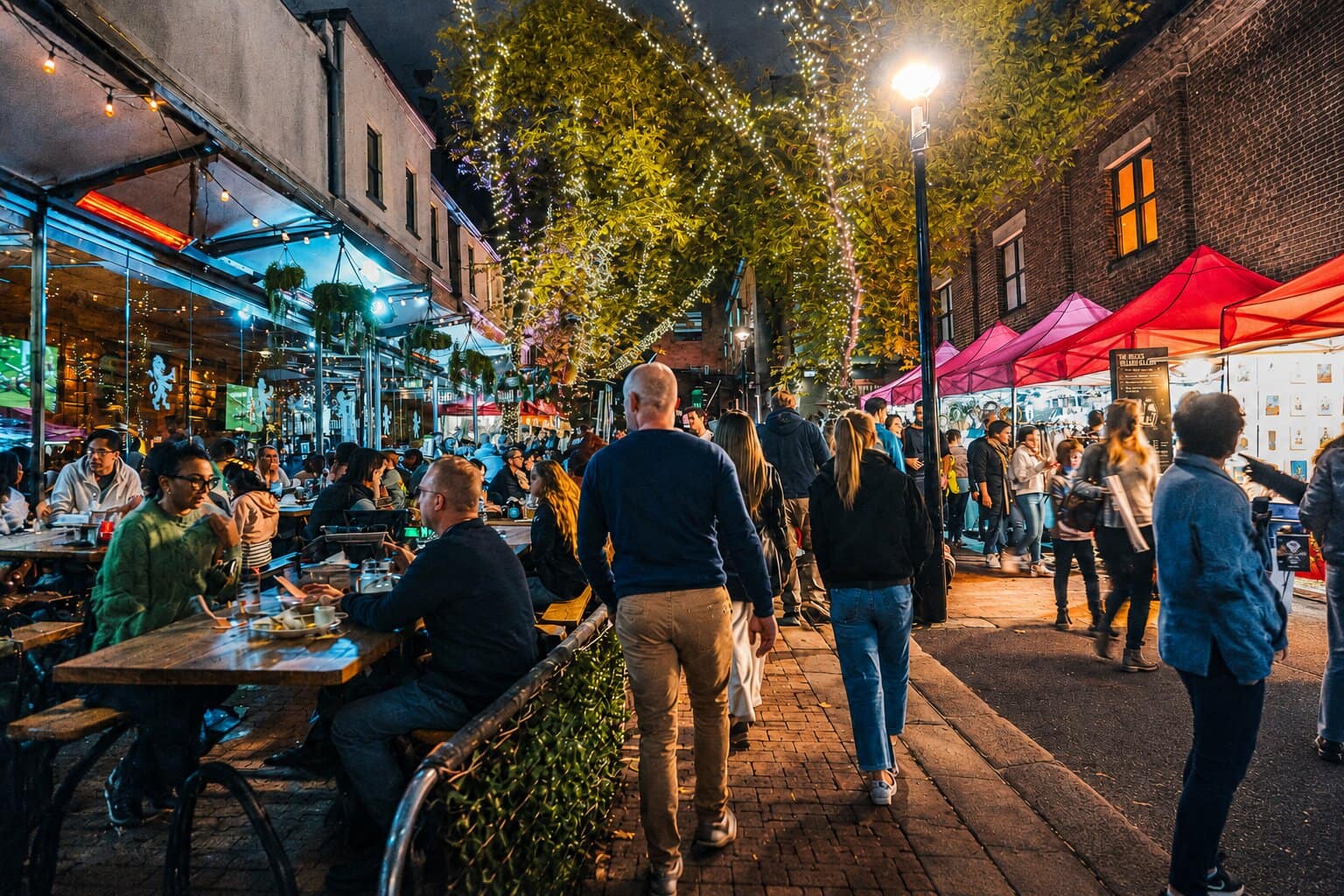
Bring people together.Without the chaos.
Create stunning event pages in minutes. Send invites, track RSVPs, and fill every seat — all from one place.
- Free to start
- No credit card
- Launch in 5 minutes
Why organizers trust EventFXr
Invitations that arrive
Delivery tracked per guest — sent, delivered, opened.
RSVPs you can trust
Secure one-per-guest links, responses in real time.
Passes that scan
Optional QR passes admit guests to each function.
Pages guests find fast
Built for search and instant loads from day one.
Private stays private
Invitation-only pages that never hit public listings.
- Amara OkaforOpened
- Jordan LeeAttending
- Tunde BakareDelivered
Everything you need — nothing you don't
Launch an event in minutes, keep your workflow clean, and stay in control as attendance grows.
- SEO-optimized event pages built for discovery
- Invitations, confirmations, and reminders
- Real-time RSVP tracking and insights
- Privacy-first and secure by default
- Exportable guest lists and a live attendee roster
Pages your guests will keep
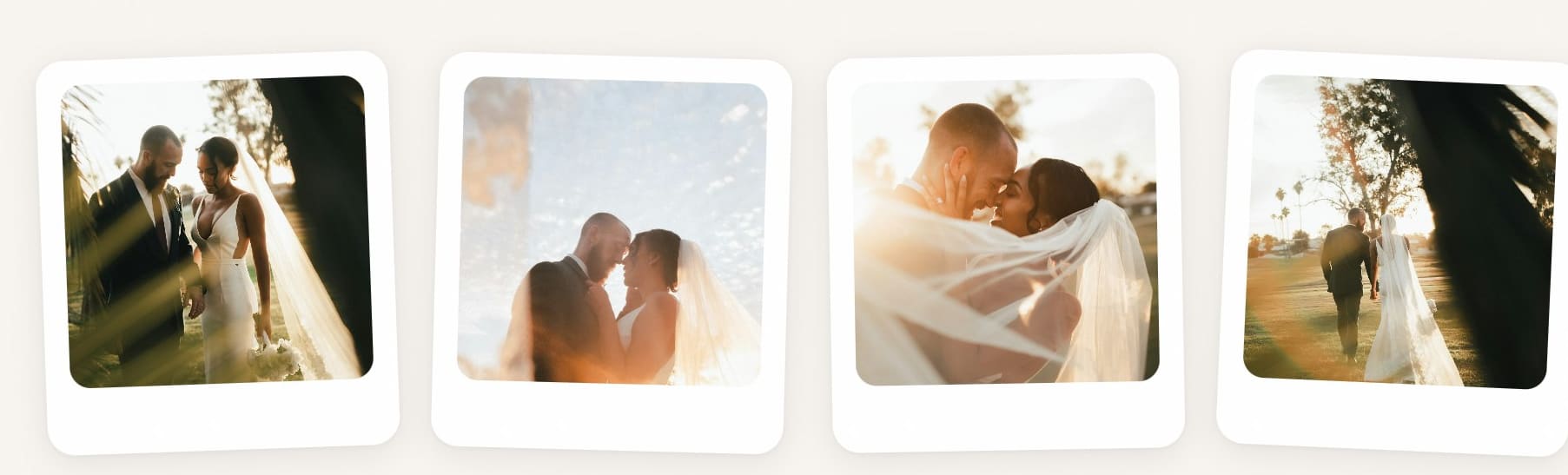
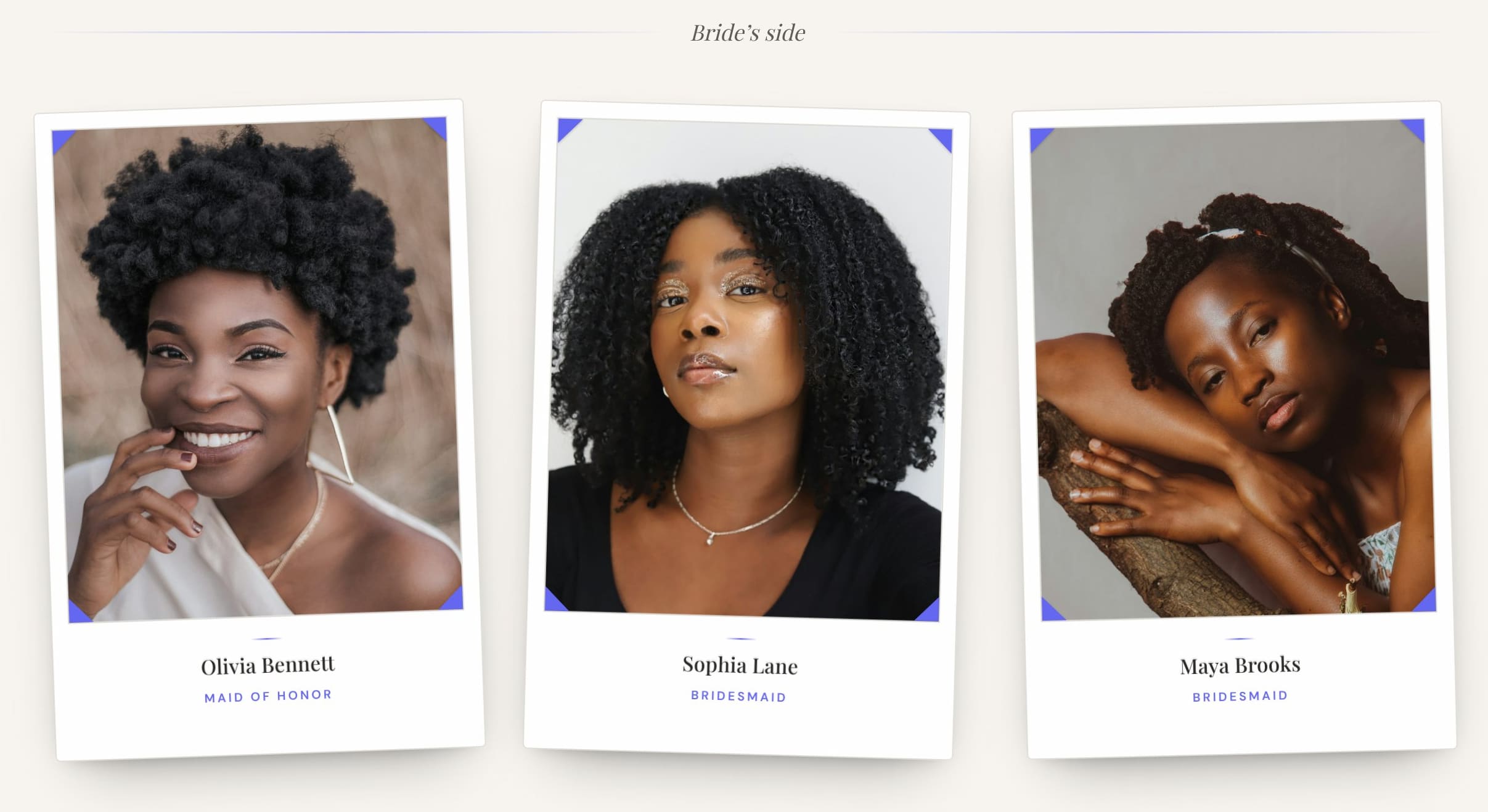
These aren't mockups. The templates below are real EventFXr pages, rendered live — open one to walk through it, then add your names and it's yours.
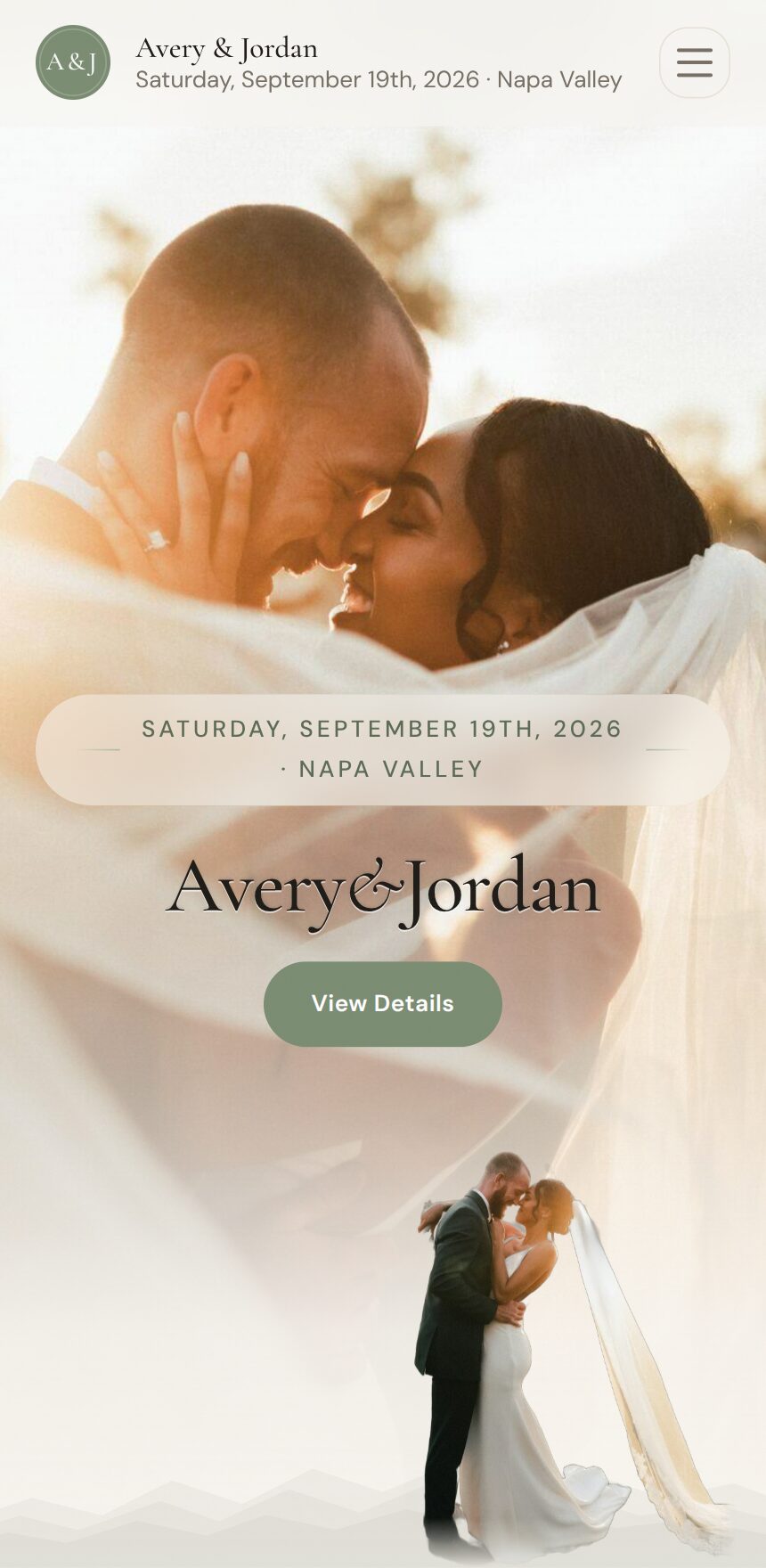
A slow-reveal, film-title opening for the big day.
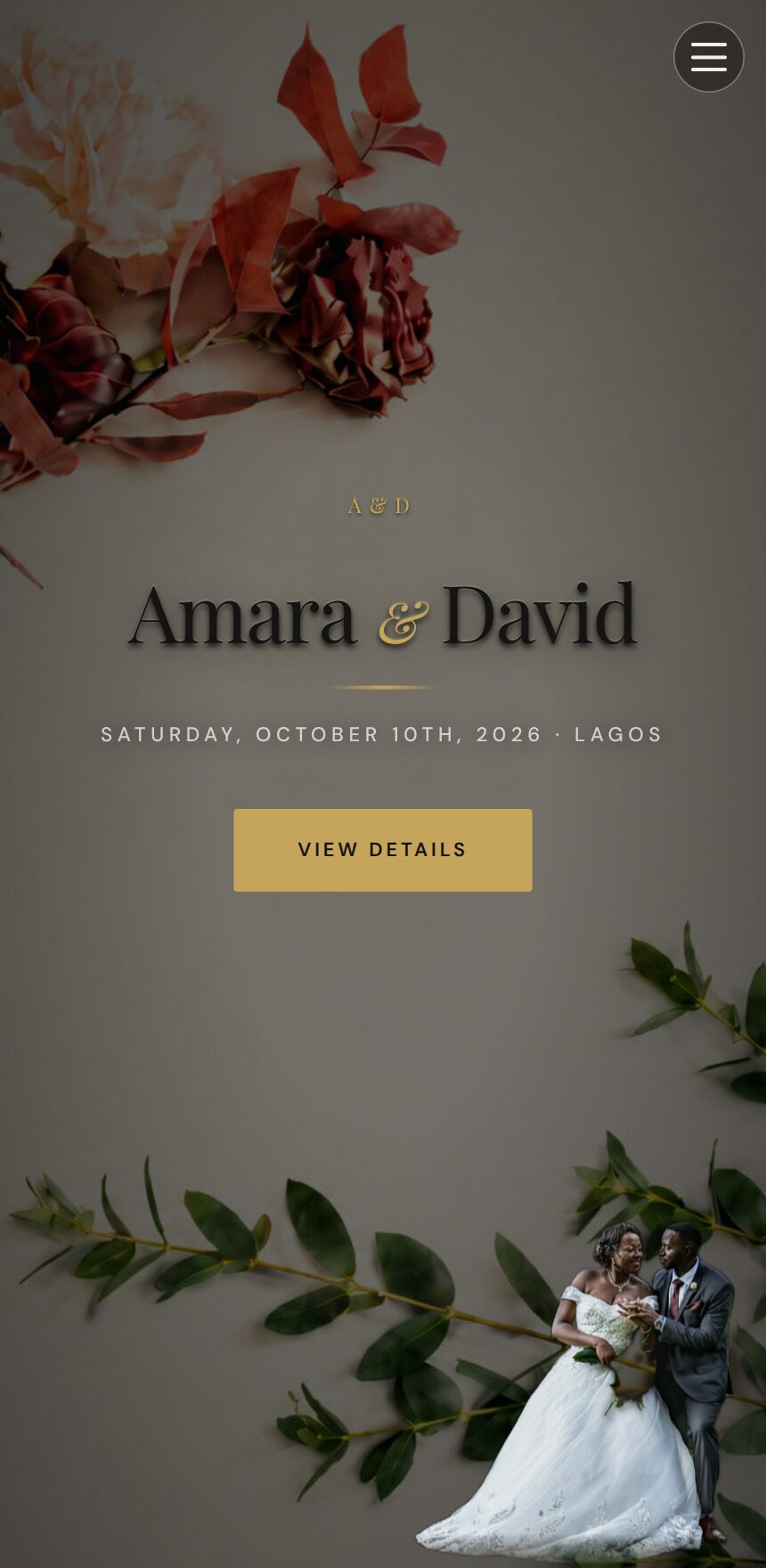
Cutout couple portraits layered over romantic florals, with gilded details.
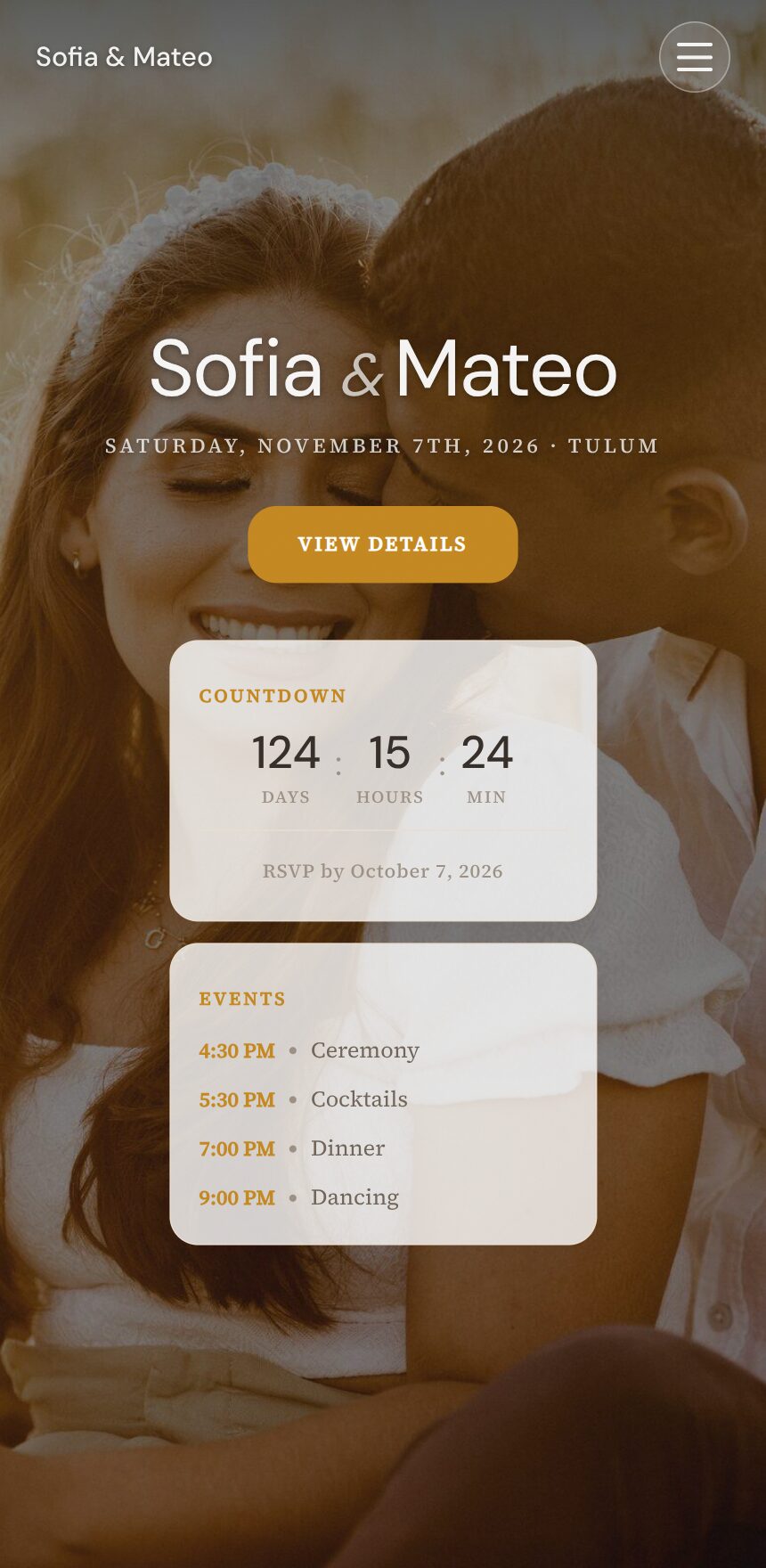
Warm champagne light for parties of every kind.
From zero to live event in minutes
Pick a template, add the details, share it — then watch the RSVPs land.



Built for the events you actually run
Four event formats, each with the specific tooling it needs — every screenshot is the real product.
Weddings & celebrations
The invitation rollout wedding organizers picked first — cinematic pages with the logistics handled.
- Share invites over WhatsApp or SMS — guests never install an app
- Invitation-code RSVP keeps the guest list yours
- Animated invitation cards, and a photo gallery for after the big day
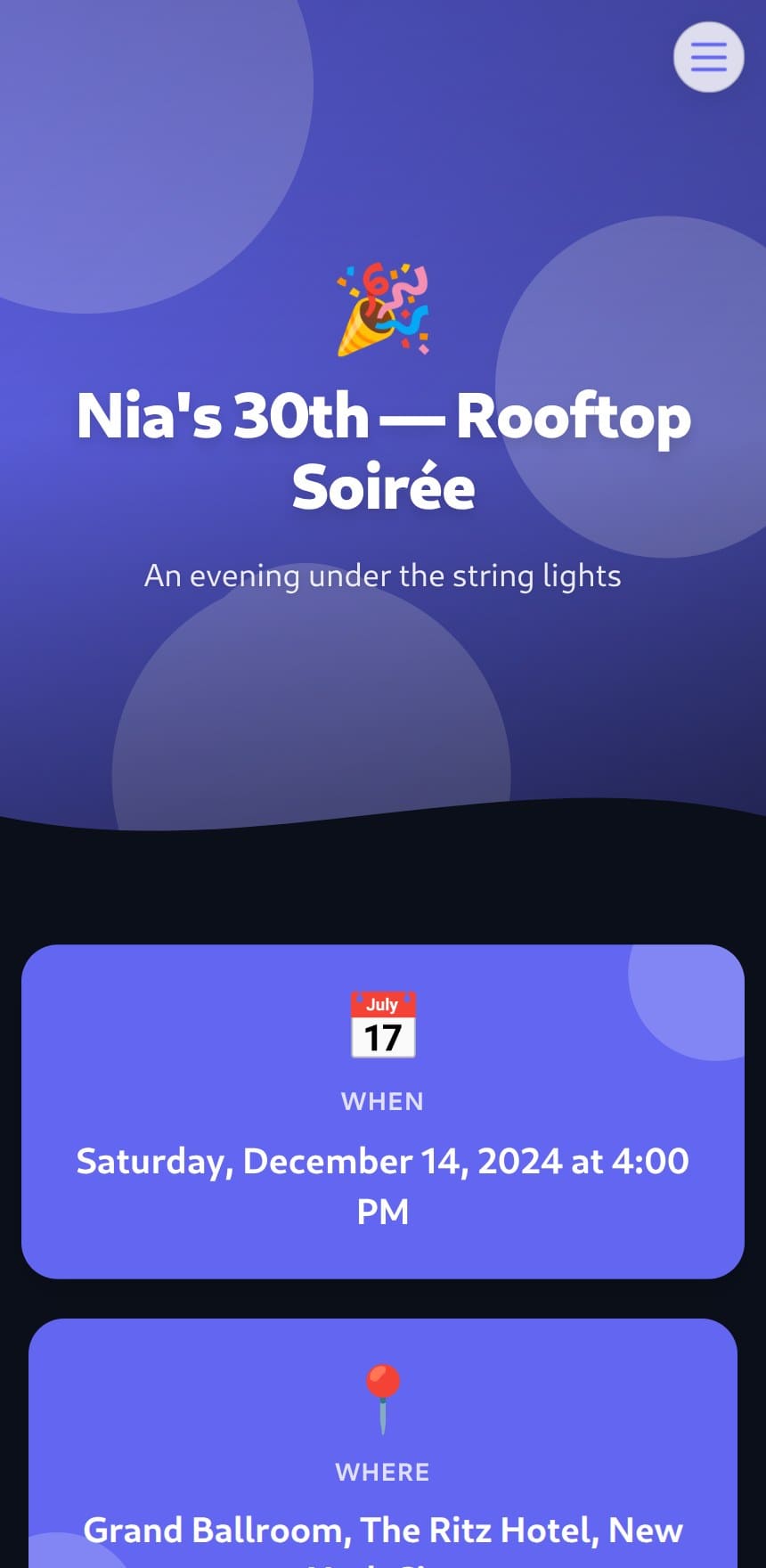
Private gatherings
Birthdays, showers, dinner parties — invitation-only without the group-chat chaos.
- Secure tokenized links — no guest accounts, no public listing
- Control which sections each guest can see
- RSVPs with plus-ones, confirmations, and reminders by email
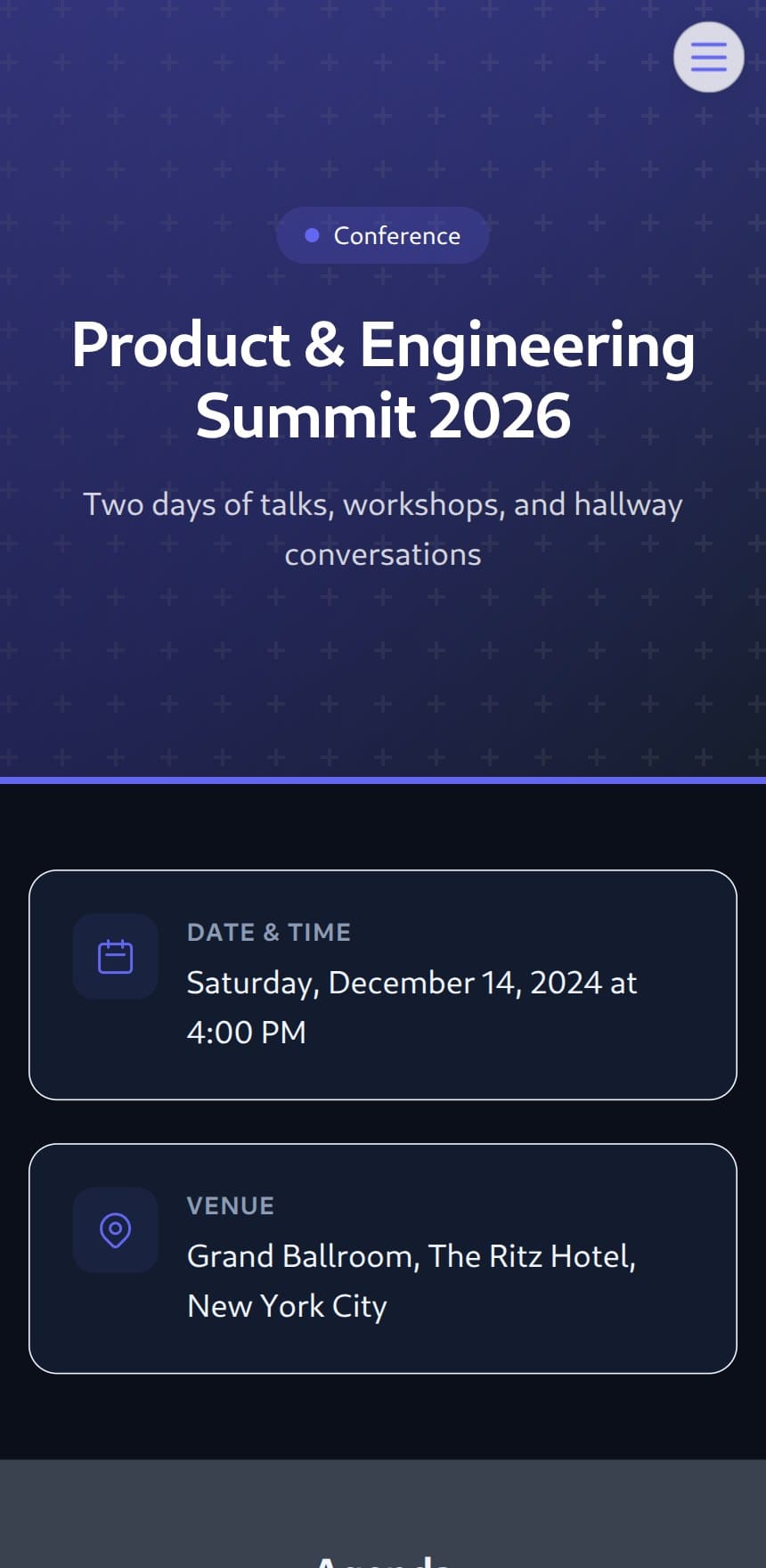
Conferences & summits
A public page built to be found — and to check people in.
- SEO-indexed pages with agendas, speakers, and sponsors
- QR passes attached to every confirmation email
- Real-time RSVP tracking as registrations come in
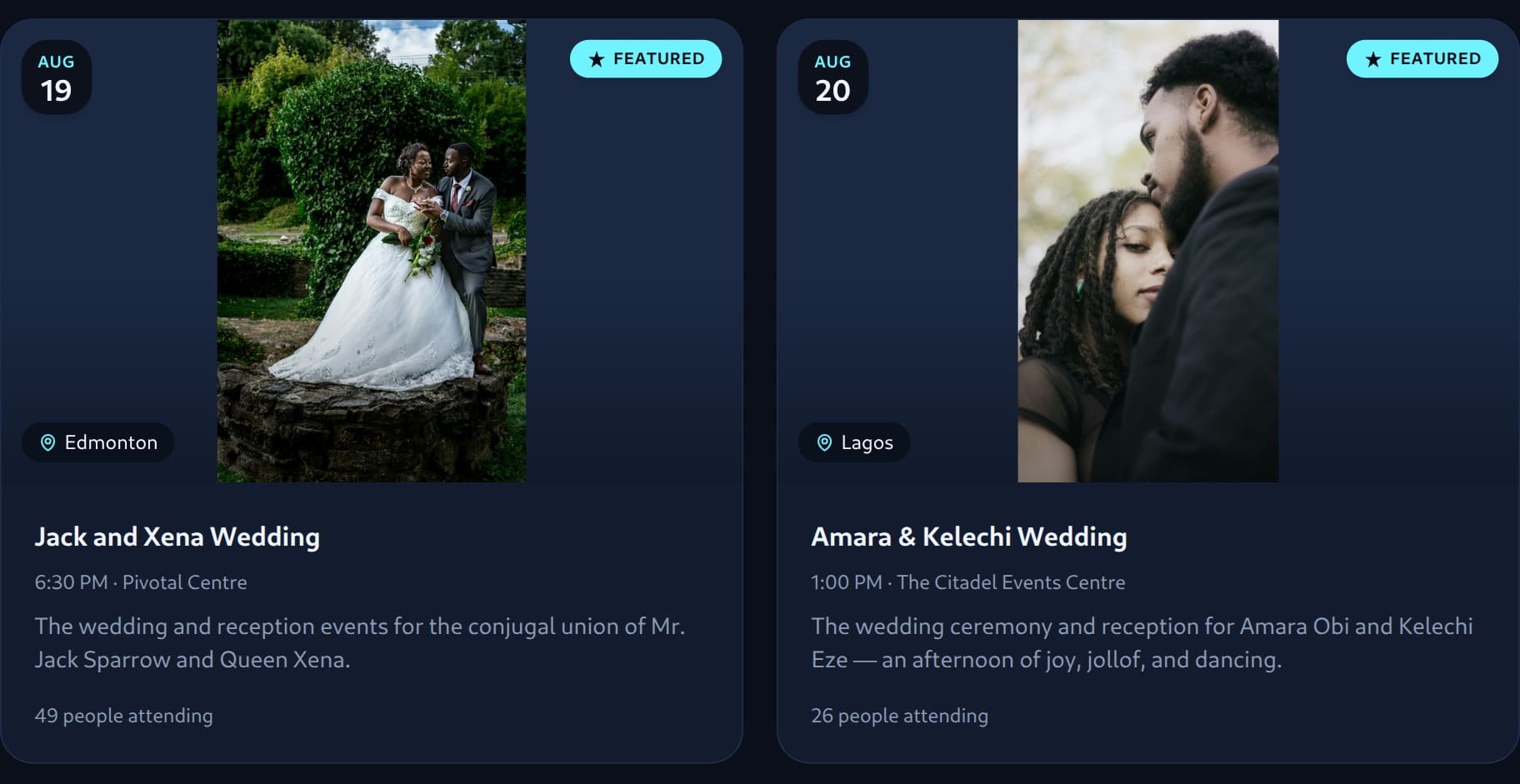
Meetups & communities
Grow attendance from discovery, not just your follower list.
- Listed in EventFXr discovery, with per-city pages
- Automated confirmations and reminders for every RSVP
- A livestream page for the people who can't make it in person
Questions, answered
The things organizers ask before their first event.
Do my guests need an account or an app?
No. Guests open a personal invitation link or enter an invitation code on the event page — shared over WhatsApp, text message, or email. There's nothing to install and nothing to sign up for.
Can I keep my event private?
Yes. Every event has a visibility setting: public events are listed in discovery and indexed by search engines, unlisted events are reachable only by direct link, and private events are invitation-only — each guest uses their own secure access.
How do RSVPs work?
Each guest responds through their own secure link or invitation code — with plus-ones when you allow them. Responses appear in your dashboard in real time, and confirmations and reminders go out by email automatically.
Do guests get tickets or passes?
Confirmation emails can include a personal QR pass to scan at check-in — handy for conferences and celebrations with multiple functions.
What happens after the event?
Your event page stays live. You can open a photo gallery for guests, collect written wishes, and keep everything at the same link your guests already have.
Can I export my guest list?
Yes. The dashboard tracks every invitation from sent to responded, and you can export your full guest list as a CSV at any time.
Can I change how my event page looks?
Every event starts from a template — from cinematic wedding pages to conference sites — and you control which sections appear: schedule, travel, registry, gallery, and more.
Is it free to start?
Yes — create your first event free, with no credit card required.
Make it effortlessto bring people together.
Events are about people, not spreadsheets. Launch your first event in minutes — and scale when you're ready.